01 / THE SETUP SCROLL
HOW IT WORKS

From two photos to a
store that's all them.

A customer sets up once in about ninety seconds. From then on your whole storefront — every product, every new drop — renders on their Digital Twin, automatically.

01

Turn on Mirror Mode

A Mirror toggle appears on your storefront. Guests can try a single piece instantly; logged-in shoppers are invited to create a Digital Twin. The customer is always in control.
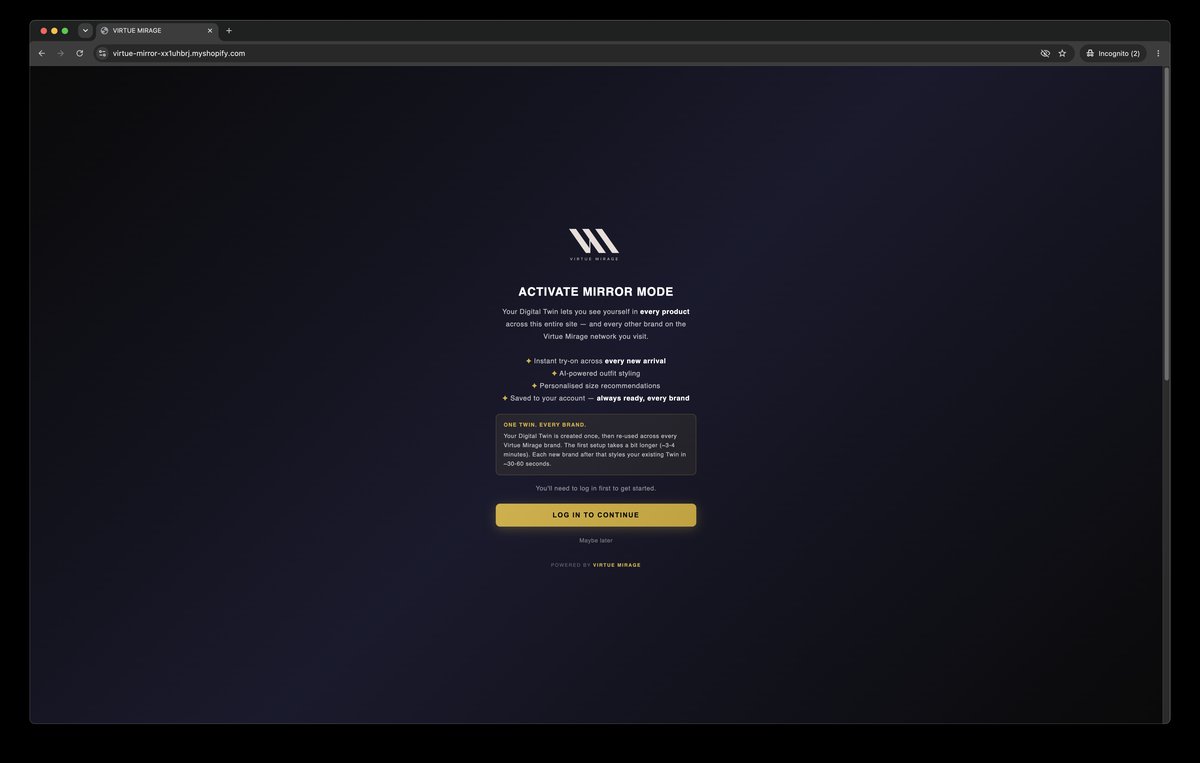
Activate Mirror Mode
02

Two photos, ninety seconds

Front and side. No app to download, no measuring tape. The most a customer ever has to do — and they only do it once.
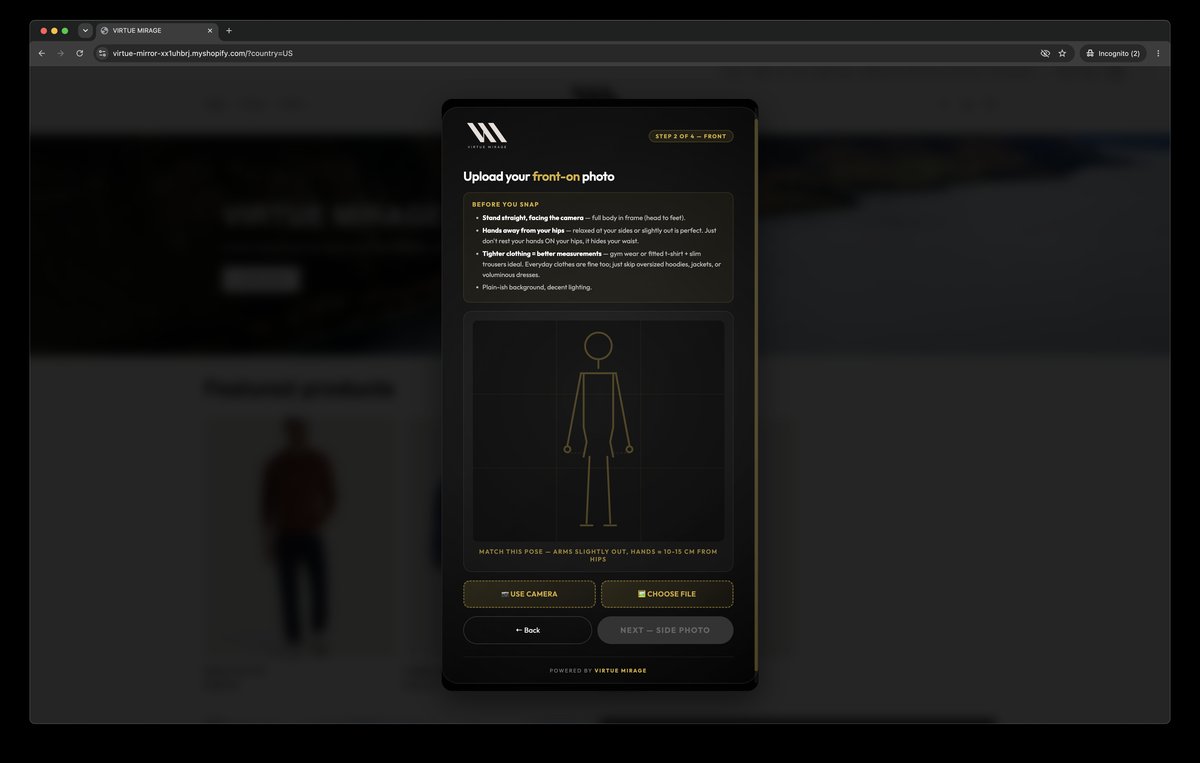
Upload two photos
03

AI reads their measurements

Measurements are calculated from the photos, with a confidence score — then matched to your sizing matrix to power a size recommendation on every product page.
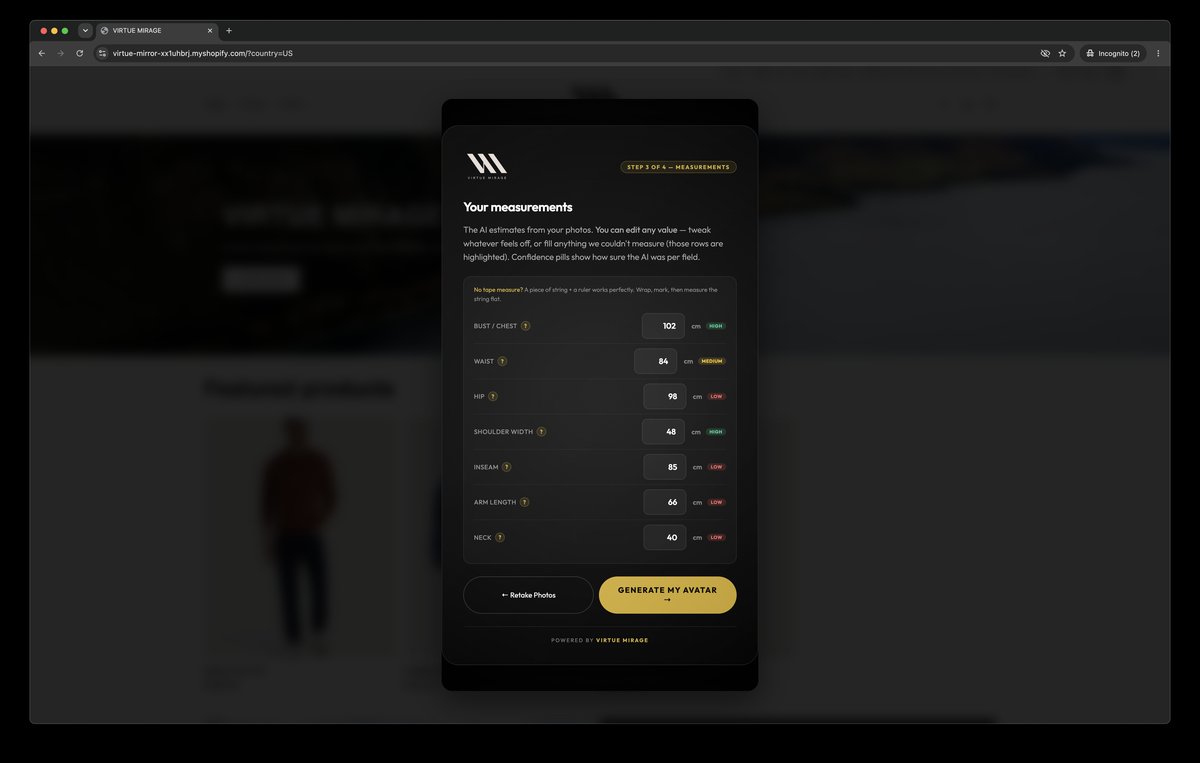
AI-calculated measurements
04

The Digital Twin is created — originals deleted

We generate the avatar, then delete the original photos immediately. Identity is hashed and locked. Nothing biometric is ever stored.
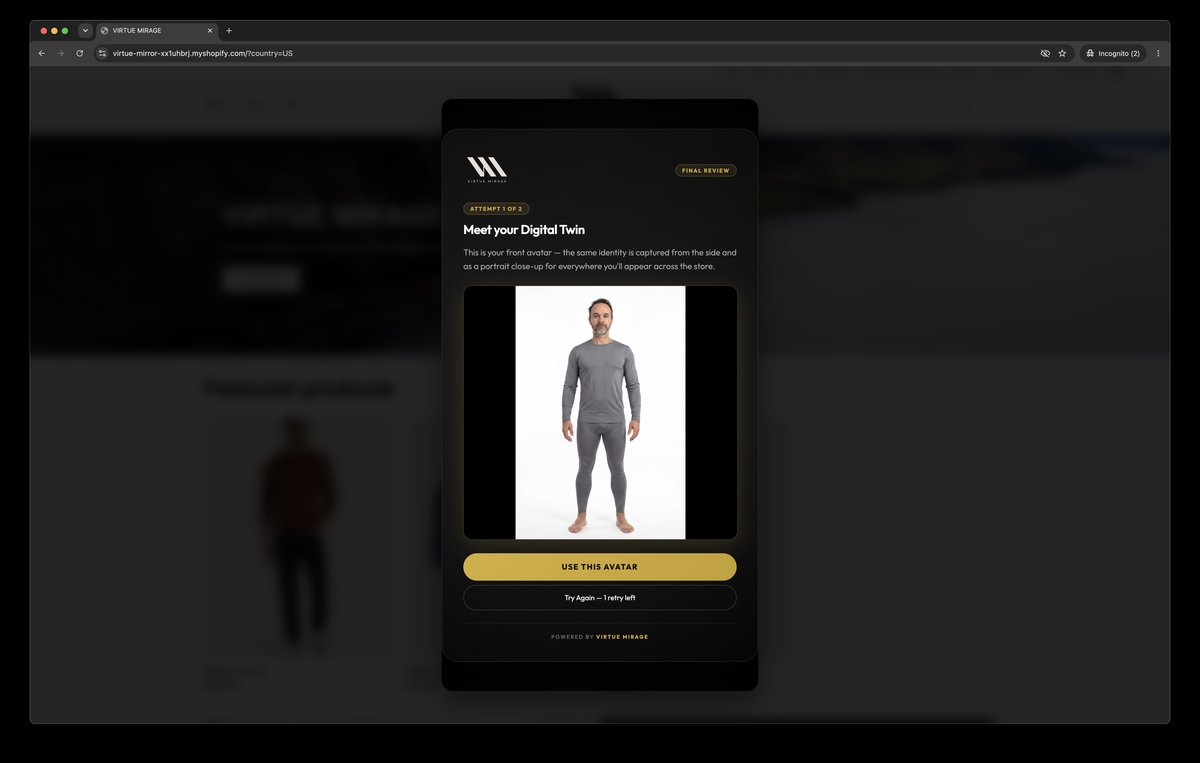
Digital Twin created
05

The whole store becomes them

Every product, collection and new arrival pre-renders on their Twin in the background — they get an email when it's ready. They open your store and it's already on them.
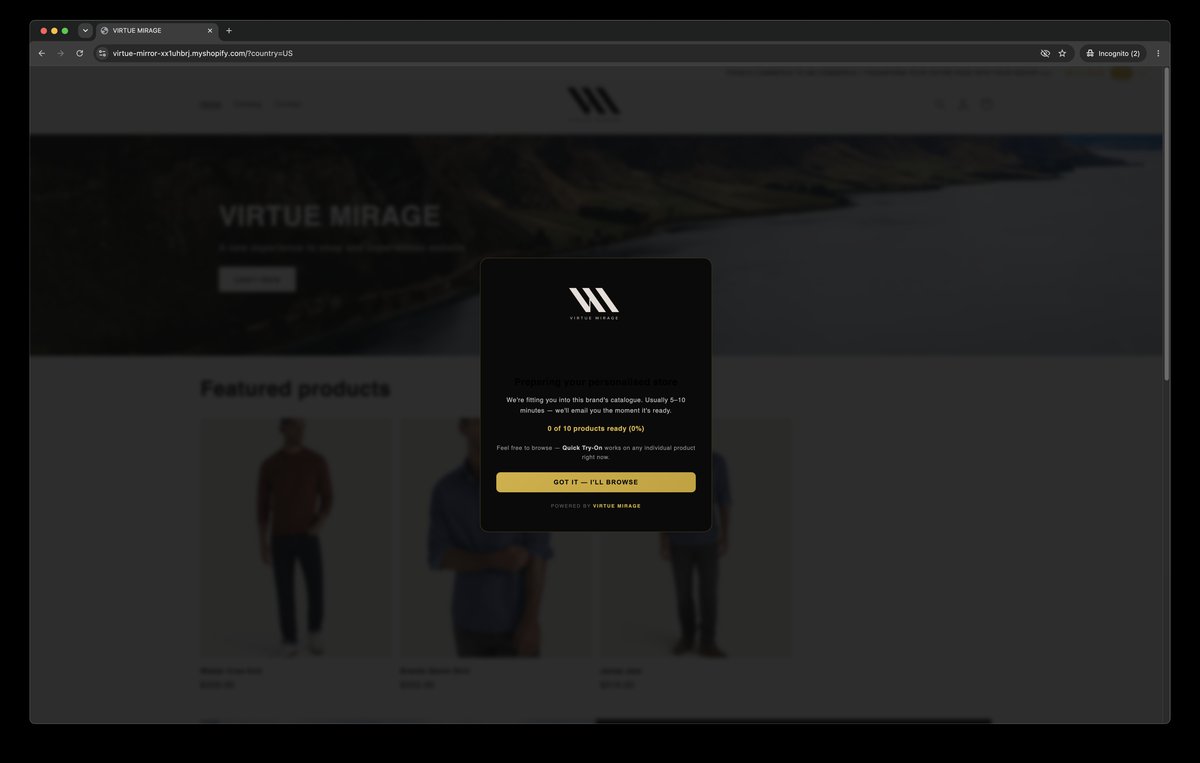
The store transforming
ACCESSORIES, TOO

Try it with your own outfit.

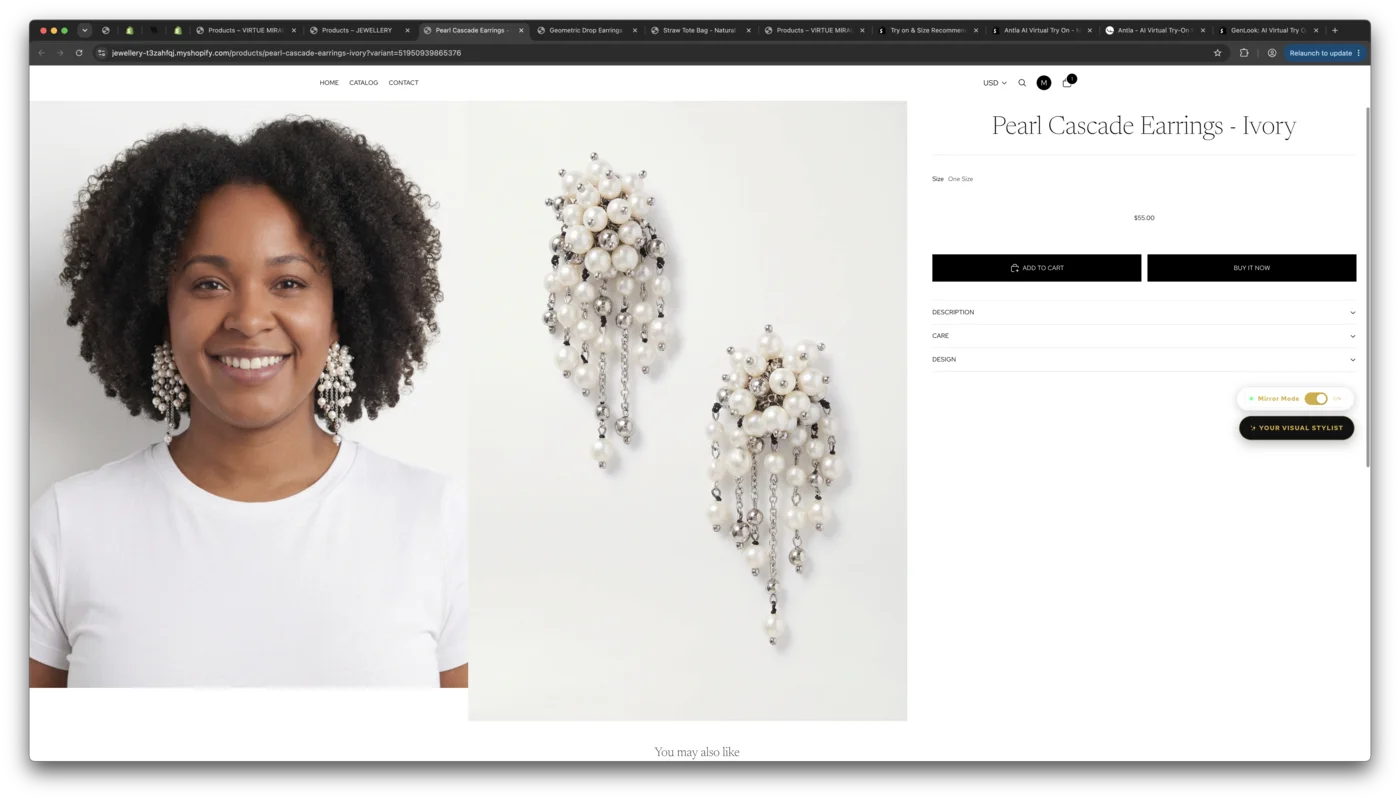
Running an accessories store? Shoppers upload a photo in their own clothes and the piece is added to them — their outfit untouched. Each category gets its own treatment: a bangle sits on the wrist, shoes replace footwear, a bag carries naturally. Mix, match and see exactly how it looks before they buy.

JewelleryBagsShoesEyewearWatchesBelts
Earrings shown on the customer, tried on with their own outfit
ALWAYS THEIR CHOICE

Mirror Mode keeps them in control.

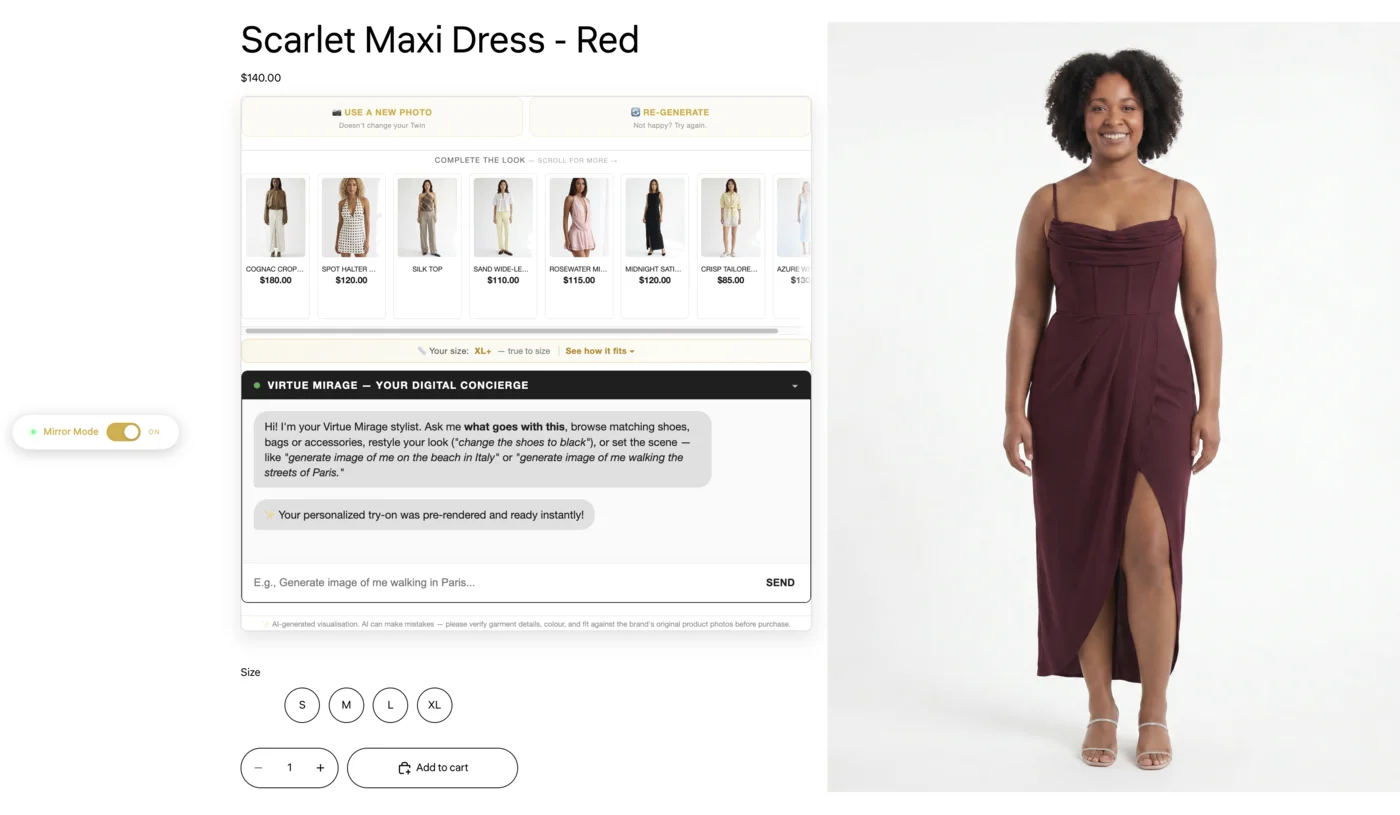
One toggle flips the entire storefront between your campaign photography and the customer wearing it. Your brand vision stays intact — we add a personal layer on top of it, and the shopper chooses what they see.

A product page with the Mirror Mode toggle — the shopper flips between the brand's photography and themselves wearing the dress
THE CONCIERGE

The first visual AI Stylist Concierge.

It doesn't just talk — it shows. Ask in plain language and the image updates, on them. As far as we know, it's the first stylist that answers by re-rendering the customer rather than linking a grid of products.

01

Recommend

"What goes with this?" → real products from your catalogue, already on them. The upsell that converts.

02

Restyle

"Roll up the sleeves", "hair in a ponytail", "show the shoes in black" — adjust how the look is worn, on their own try-on.

03

Set the scene

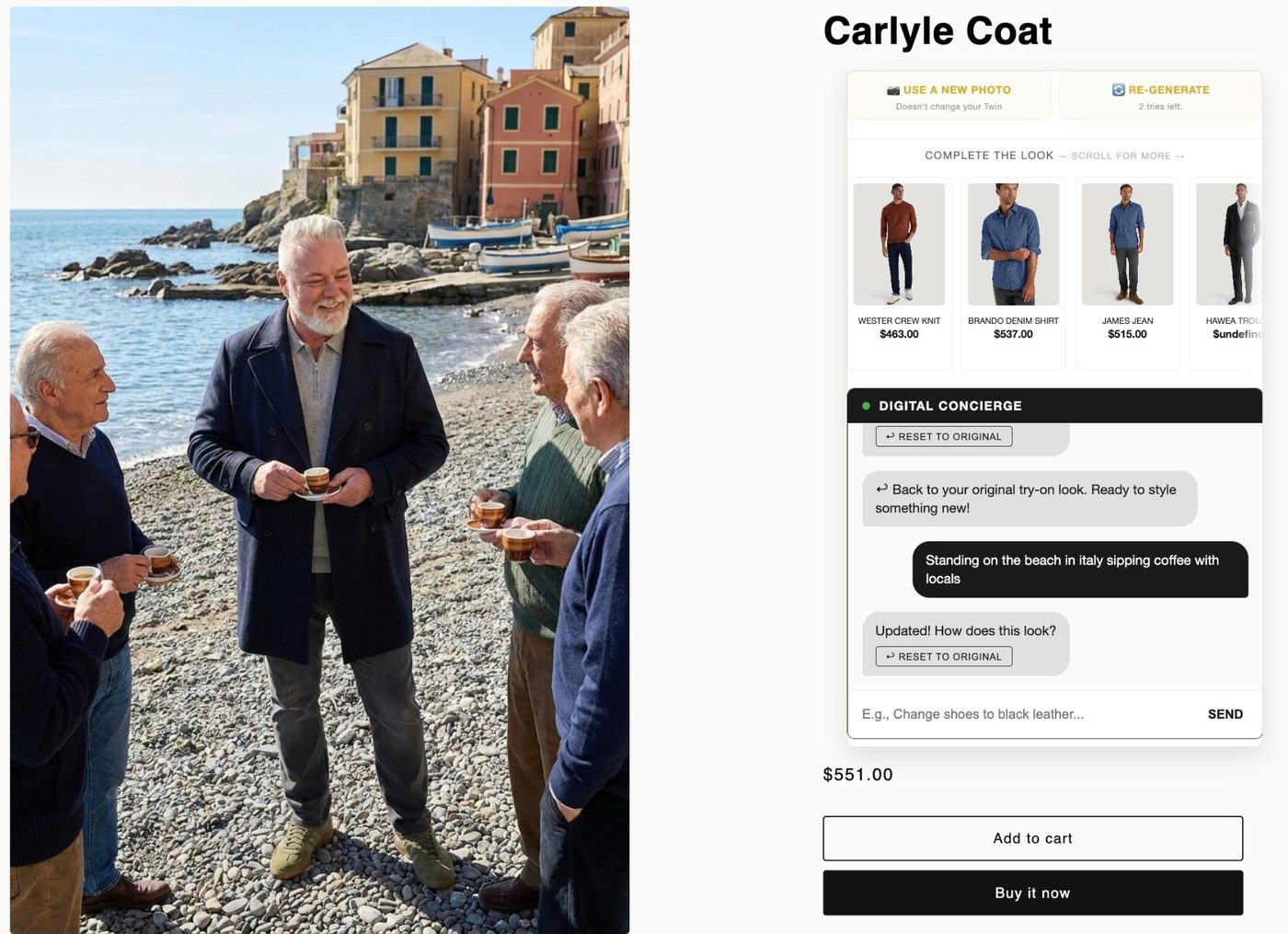
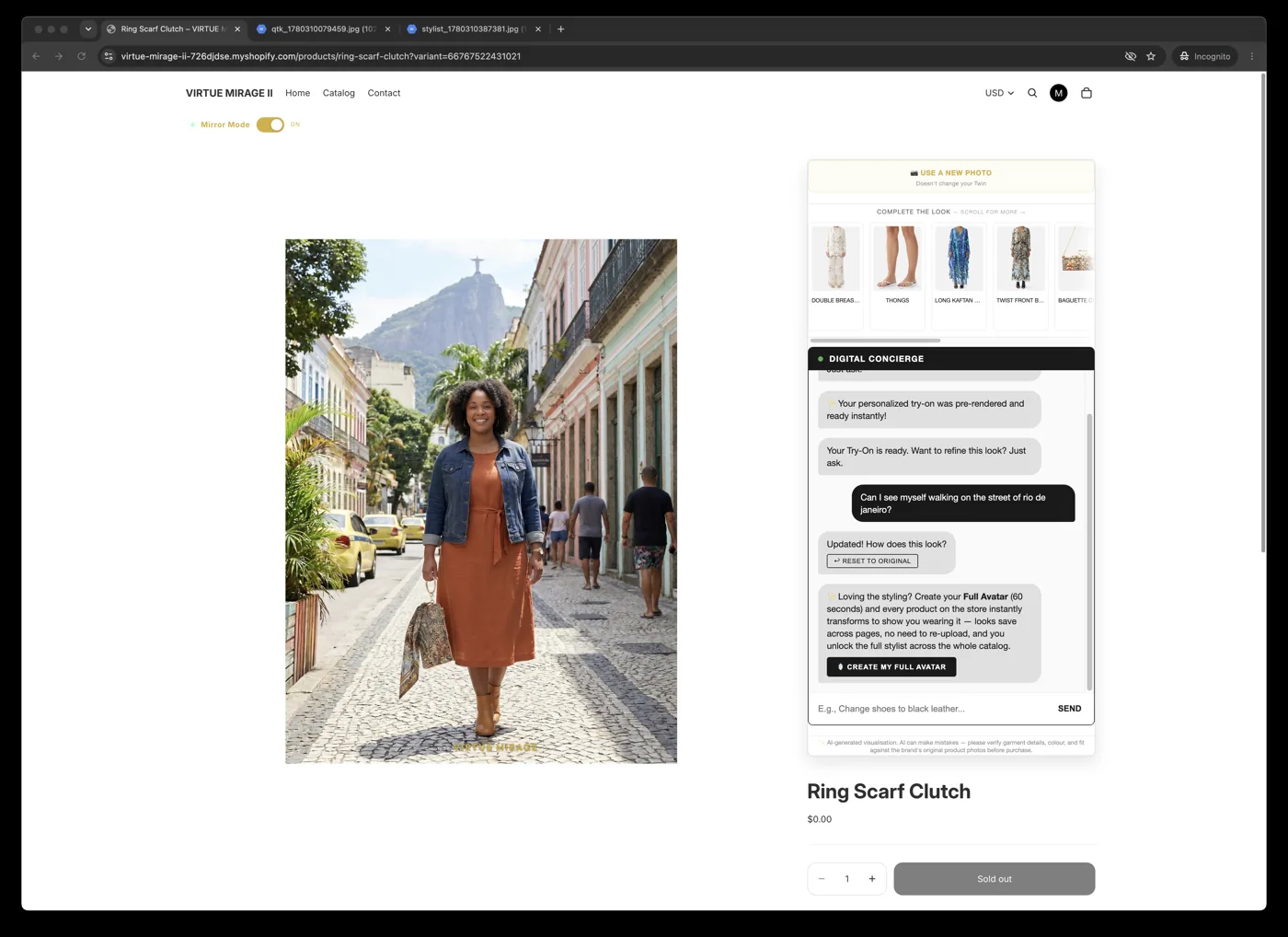
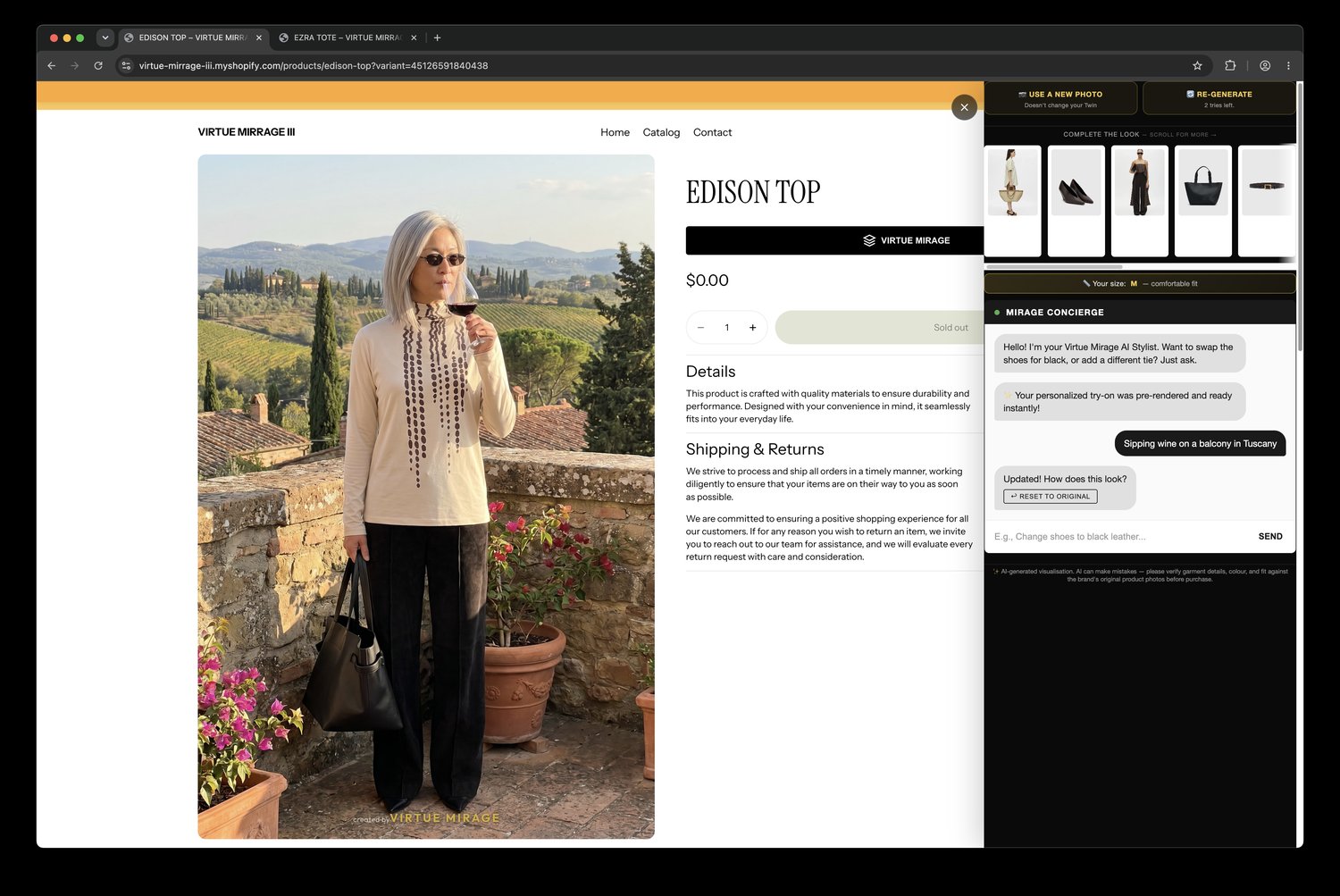
From a studio shot to the streets of Paris or a beach in Italy — your customer, in your clothes, anywhere they ask.

04

Close

"Add it all to cart" — the whole styled outfit, conversationally.

On a beach in Italy
SCENE 01 — BEACH, ITALY
In the city
SCENE 02 — THE CITY
Anywhere
SCENE 03 — ANYWHERE

See it on your store.

A 20-minute demo on your own catalogue — no rebuild to find out.

Contact us